This blog post describes my “capstone” final project for the recent 5-Day AI Agents Intensive Course with Google and Kaggle, 2025Q4.
Helping people get started with wellness is more complex than it seems. It involves gathering accurate intake information, screening for red flags, generating a safe and personalized movement plan, and then updating that plan based on weekly feedback. While large language models can provide general advice, they often struggle to consistently follow structured processes or maintain state across multiple stages.
HealthGuide addresses this challenge by organizing the work into a coordinated team of AI agents, each responsible for a single well-defined task. Instead of relying on one monolithic model, HealthGuide uses Google’s Agent Development Kit (ADK) to delegate steps such as structured intake, safety screening, plan creation, and weekly check-in adjustments. This produces more reliable, transparent, and maintainable behavior—exactly the sort of structure you want when dealing with people’s health and wellness routines.
The result is a minimally viable but complete wellness coaching system implemented entirely inside a Kaggle notebook. It asks the user guided intake questions, evaluates potential safety risks, generates a personalized weekly movement plan, and adjusts that plan over time—while maintaining long-term memory and full debug logging for transparency.
In my capstone project, I set out to explore how multi-agent systems could bring structure and safety to the early stages of wellness coaching. Rather than attempting to build another all-purpose chatbot, I wanted to demonstrate how agent specialization can produce more reliable workflows and clearer system behavior.
HealthGuide implements the wellness planning process by dividing responsibility across three specialist agents:
Coordinating these agents is a root coordinator that decides when to trigger each step and uses ADK’s transfer_to_agent tool for delegation. This ensures that each agent stays tightly focused on its own task, producing clearer and more predictable behavior.
When a user begins, HealthGuide follows a structured workflow:
3x20 for three sessions of twenty minutes). It also adds mobility, habit suggestions, and safety notes. A Python tool computes the total weekly minutes.
The system is intentionally conservative when safety concerns appear. For example, if the intake reports “unusual shortness of breath,” the Plan Builder responds with a message such as:
Movement: Because you reported a possible safety-related symptom, please
consult your doctor before starting or changing an exercise program.

Mobility: Only perform movements approved by your clinician.

Habits: Maintain regular sleep and hydration habits.

Safety: If symptoms worsen, seek medical guidance promptly.
This ensures that HealthGuide remains supportive without acting as a medical authority.
There are a few limitations in the current MVP version:
The modular design makes it easy to extend. In future versions, I’d like to:
HealthGuide illustrates how multi-agent orchestration can turn complex, multi-step workflows into reliable, transparent systems. By dividing responsibilities among well-defined agents — and letting the root coordinator manage the flow — the system becomes easier to understand, debug, and extend.
This project also highlights how agentic systems can enhance everyday use cases like wellness planning. By giving users structure, safety awareness, and steady guidance — rather than generic chatbot advice — HealthGuide shows how AI can support people in practical and meaningful ways.
And that’s what makes this an exciting early example of how Gen AI can help build safer, more structured, and more supportive digital wellness tools.
Watch my HealthGuide YouTube Video.
Run the HealthGuide Kaggle Notebook.
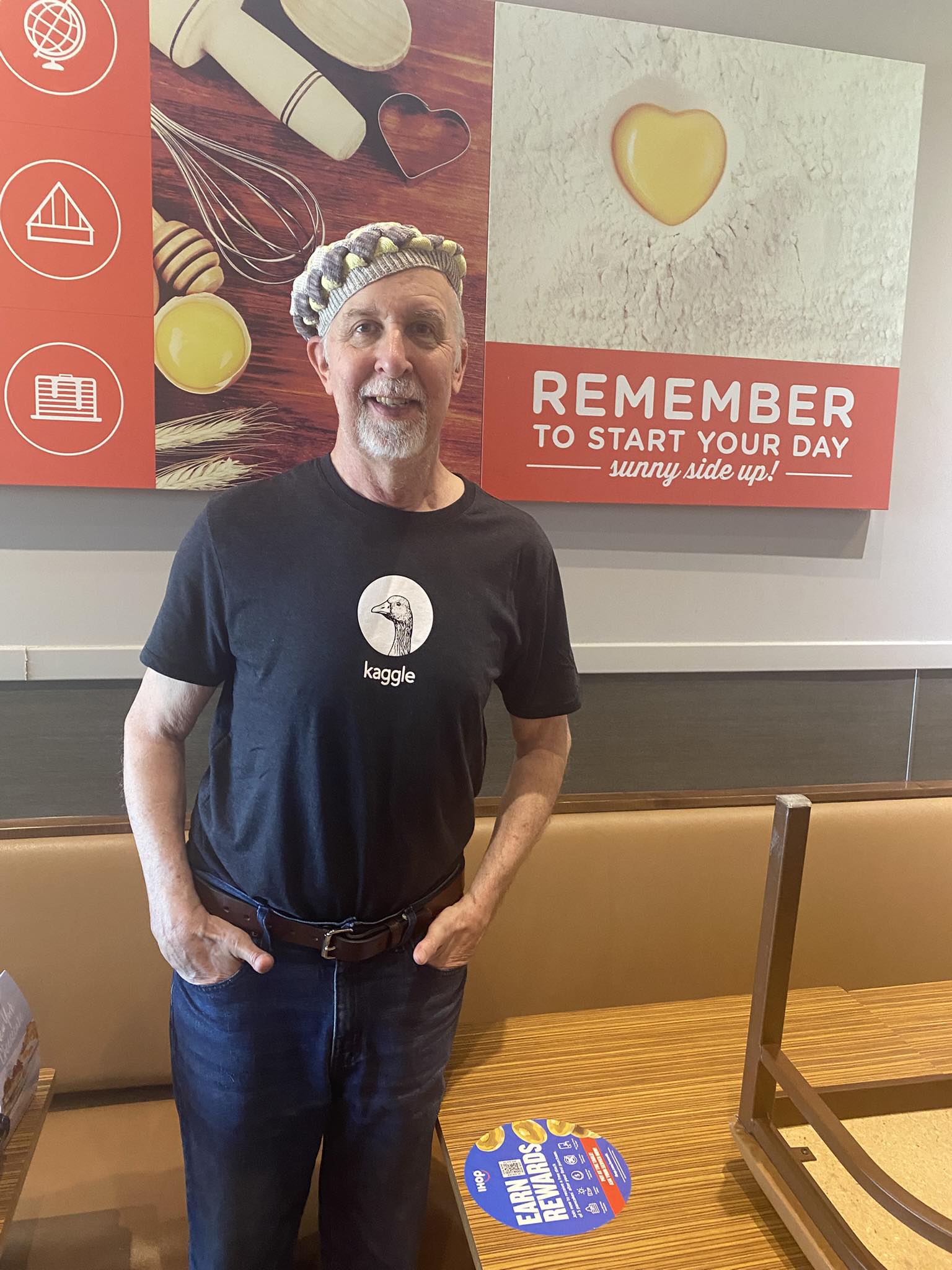
Well, today was a big day for me with Artificial Intelligence! In addition to teaching an Intro to AI Programming class at a local high school, I learned that I'm a winner in an AI course project competition! Along with almost 250,000 other developers worldwide, I participated in the 5-day Gen AI Intensive Course 2025Q1 with Google, which took place from Monday March 31 - Friday April 4, 2025. It was co-sponsored by Kaggle, a data science competition platform and online community.
At the end of the course, to get credit we were to create and submit a Capstone Project demonstrating what we'd learned in the course. My entry consisted of the project code in a Jupyter notebook, a blog post describing the work (see the April 19, 2025 blog post below), and a Youtube video giving a short presentation.
In all, there were 6,151 capstone project entries from individuals and teams of up to 5 people. The top 10 entrants were given Kaggle swag and their work will be highlighted by Kaggle and Google social media. My project, called RAGLab, was selected as one of the top 10 entries!
You can see my project entry here, it’s a Jupyter notebook hosted on the Kaggle site. Anyone can read it, but you’ll need a Google API key to run it.
Watch my RAGLab YouTube Video.
Read about the class here, it is now available as a self-paced learning guide that you can take yourself.
And the announcement of all the winners and honorable mentions is here.
This blog post describes my "capstone" final project for the recent Gen AI Intensive Course 2025Q1 offered by Google and Kaggle.
Retrieval‑Augmented Generation (RAG) has emerged as a powerful way for AI chatbots to leverage external data, giving them the ability to produce more accurate, context‑rich responses. Instead of relying solely on a large language model’s internal knowledge, RAG applications retrieve domain‑specific documents—often stored in a vector database—and feed them to the model as additional context. This approach is particularly helpful when building domain‑focused chatbots in areas like law, medicine, or finance, where ensuring that responses reflect up‑to‑date, specialized information is essential.
However, the RAG process involves numerous components. For instance, different embedding models can be used in the retrieval phase, various pre‑retrieval prompt adjustment methods can optimize outcomes, and a variety of large language models or fine‑tuned solutions can handle final generation. Selecting the right combination for a particular domain can be challenging. Developers often must try different techniques to see which works best for domain‑specific data, which introduces added complexity when iterating toward a deployable solution.
This project addresses that challenge by providing a comparative testing framework—an AI agent that automates evaluations across multiple RAG pipeline variants. The system runs a series of controlled experiments, systematically swapping out modules (e.g., pre‑retrieval prompt adjustment, retrieval strategies, generation models) while asking domain‑relevant questions. It logs outcomes, performance metrics, and user feedback. With these results, developers can more easily identify the best‑performing configuration. By eliminating the trial‑and‑error overhead, this solution reduces the time to create a reliable, domain‑tuned RAG chatbot and demonstrates how teams can systematically operationalize RAG for production.
In my capstone project, I set out to solve a real-world problem that many AI developers face: how do you figure out which configuration of a Retrieval-Augmented Generation (RAG) pipeline works best for your specific domain?
As RAG systems become more modular and sophisticated—offering options like prompt rewriting, multiple retrievers, and different generation models—the challenge shifts from building a pipeline to optimizing it. For instance, should your medical chatbot rewrite the user's query before retrieving documents? Should it use a dense or sparse retriever? And which LLM produces the most reliable answers with the retrieved context?
To tackle this, I built RAGLab, an automated evaluation framework that compares multiple RAG pipeline configurations in a structured, reproducible way. The tool lets you define a set of modules to test (e.g., different retrieval functions or generation models), a set of language models to use at each stage, a set of domain-specific questions, and reference answers. RAGLab then runs every combination of the modules against the questions, logs the responses, and scores the output.
Each pipeline variant is defined by choosing components at three main stages:
For each configuration, RAGLab:
Here’s a sample evaluation prompt for the judge:
EVAL_PROMPT_TEMPLATE = """You are an impartial expert grader for retrieval‑augmented chatbots.
Your job is to evaluate the chatbot’s answer against the gold answer
and the judging instructions, then return a JSON object with four fields.

### Inputs
• Query: {query}

• Gold answer (reference): {gold_answer}

• Chatbot answer to grade: {chatbot_answer}

• Judging instructions (override anything else if conflicts arise):
  {judging_instructions}

### Rubric — score each dimension 1‑5
1 = very poor, 3 = acceptable, 5 = excellent.

1. Relevance – Does the chatbot answer address the user’s query?
2. Faithfulness – Is every factual statement supported by the gold answer
   (or clearly marked as outside scope)? Penalize hallucinations.
3. Completeness – Does the answer include all key elements required by the
   gold answer **and** satisfy the judging instructions (if provided)?

### Confidence
After scoring, give a **confidence** value 0.0‑1.0
(1.0 = absolutely certain your scores are correct; 0.0 = pure guess).

### Output — return **only** valid JSON in this exact schema, with NO markdown fences or extra text
{{
  "relevance": ,
  "faithfulness": ,
  "completeness": ,
  "confidence":
}}
No additional keys, text, or explanations.
Think silently before answering, but output only the JSON, with NO markdown fences or extra text."""
And the judge returns its output in a JSON packet formatted like this:
{
  "relevance": 5,
  "faithfulness": 5,
  "completeness": 4,
  "confidence": 0.95
}
I also added a fallback: if confidence is low or no gold answer is supplied, RAGLab prompts the user for a manual score using the same rubric.
All of this is run inside a Kaggle notebook. Results and documentation of each test are logged to a Python list, which is displayed in a summary Markdown table right in the notebook.
There are a couple of current limitations:
The modular design of this project lends itself to straightforward expansion. In the future, I’d like to:
With so many new tools and techniques in the RAG space, picking the right combination is no longer a matter of trial-and-error. RAGLab shows how Gen AI can be used to evaluate Gen AI. By automating this inner loop of experimentation, teams can save time, reduce guesswork, and build better domain-specific assistants faster.
And that’s what makes this not just a technical project—but a practical one for scaling Gen AI in the real world.
Watch my RAGLab YouTube Video.
Run the RAGLab Kaggle Notebook.
In the modern digital age, chatbots like ChatGPT are not just for answering questions or customer service; they can also be a valuable asset in web development.
In summary, chatbots like ChatGPT are versatile tools that can not only ease the web development process but also add that extra flair to your website design!
PS: Full disclosure, ChatGPT created this content from dictated notes and the HTML formatting from typed instructions to showcase the various ways it can assist in web development.